candyandfrank ▸ MAKER
One machine, three faces

Snap on a face. It becomes a new machine.

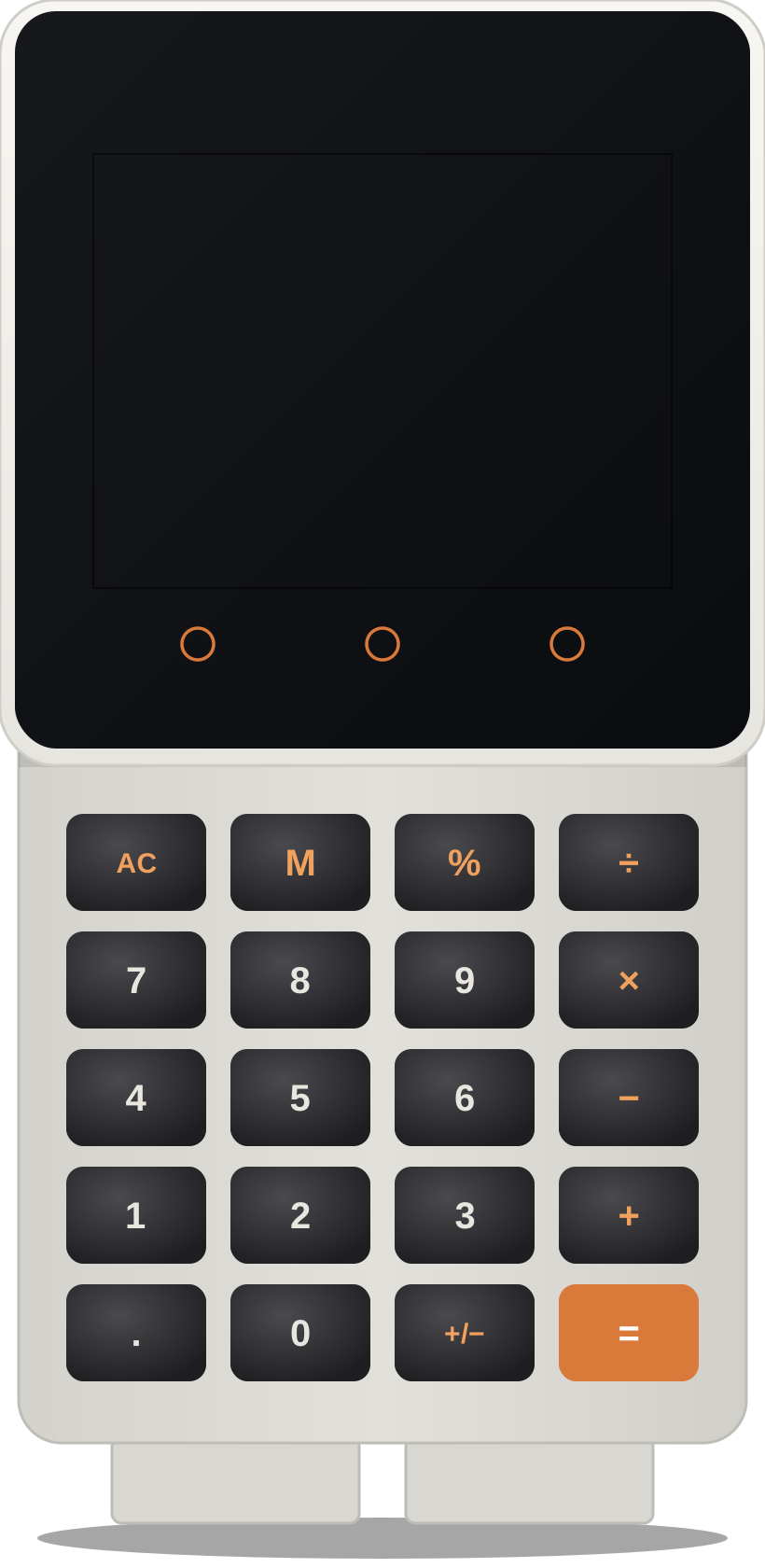
A touch screen, ten side lights, a speaker and a battery base. Your child puts it together, programs all three faces and takes it home.

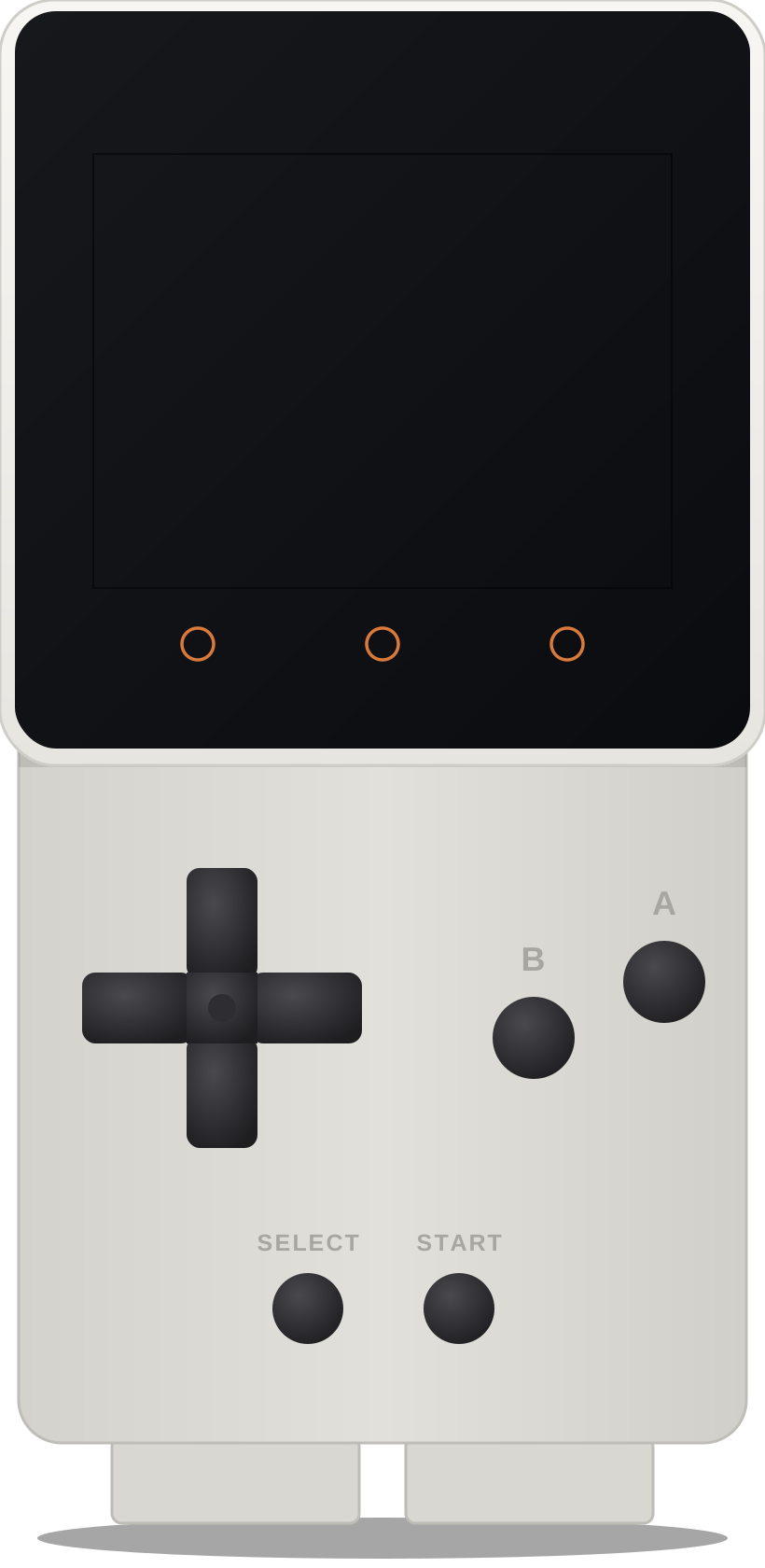
The pocket computer with the gamepad face

Lantern Tactics running on the machine
GAME CONSOLE

Lantern Tactics

On the screen
A battle game in the style of the classic tactics RPGs.
How you play
The pad moves, A picks a hero, START ends the turn.
What it teaches
The enemy's moves are rules your child can read and change.
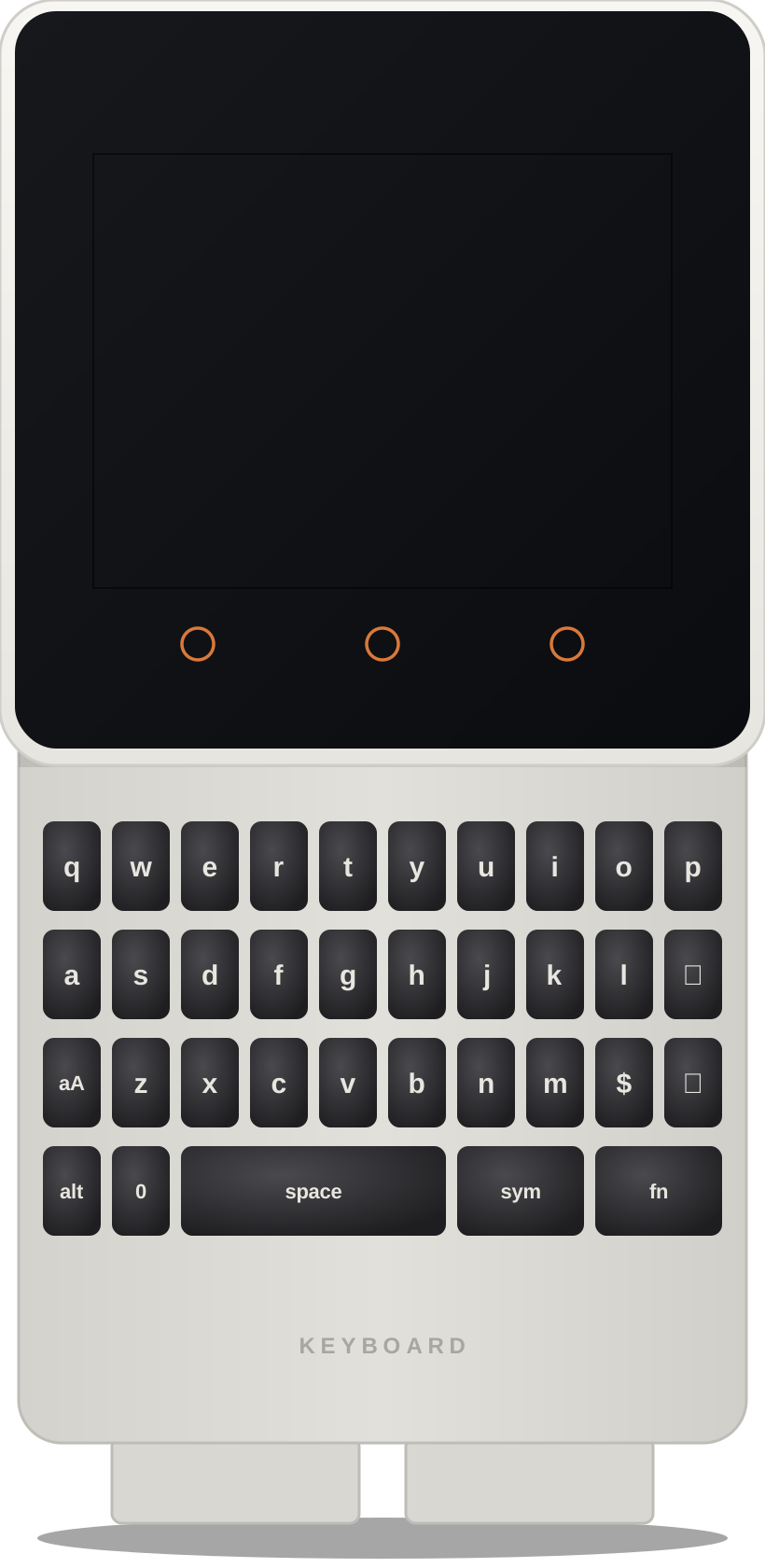
The pocket computer with the keyboard face

Word Machine running on the machine
POCKET COMPUTER

Word Machine

On the screen
A hard word splits into chunks, hides, and you spell it.
How you play
Type on the real keyboard. A wrong letter never shows the answer.
What it teaches
How a keyboard talks to a program, and 500 words from Year 3 to 8.
The pocket computer with the calculator face

Graph Machine running on the machine
GRAPHING CALCULATOR

Graph Machine

On the screen
Type two equations, read the table, draw both lines.
How you play
Calculator keys, plus touch keys for x, brackets and powers.
What it teaches
Order of operations, tables and graphs: Year 6 to 8 maths.
Learning through play

Real computer science, hidden inside games.

Every game your child makes has ideas that engineers use every day. They are learned by changing them and watching what happens.

↗

Game physics

Speed, gravity and jump height are numbers. Change one and the whole game feels different.

SEEN IN NEON DASH
✶

Game feel

Screen shake, sparks, sound and a buzz in your hand: tricks that change how a game feels, not its rules.

SEEN IN JUICE LAB
▦

Cameras and tile maps

A world far bigger than the screen, stored as text, with a camera that follows you.

SEEN IN POCKET PEAK
⚔

Enemy AI

Ghosts with moods and a search for the shortest path. Your child writes a ghost of their own.

SEEN IN GHOST MAZE
⚄

Worlds from a seed

A four-letter code builds a whole dungeon, the same one on every machine.

SEEN IN SEED DUNGEON
⌨

Computers that read

A program that understands typed commands, and an AI character that can be wrong.

SEEN IN DUNGEON TERMINAL
⇆

Two machines, one battle

Numbered messages over radio, answered and sent again when lost: how the internet works.

SEEN IN BLOCK BATTLE
△

3D from triangles

Trigonometry draws a 3D maze. Then the race to make the code run faster.

SEEN IN RAY MAZE
For parents

No browser. No app store. No videos.

The machine runs only what your child built. There is no feed to scroll and no other game one tap away, so the time goes into making, not watching.

  • ✓Your child designs the game. The AI types the code. Your child tunes it and hunts the bugs.
  • ✓Real Python on a real computer your child assembles and keeps.
  • ✓Coding, maths and spelling in one machine.

Dash running on the machine

Dash: the whole level is one line of text. Add a spike, then beat your own level.

How a game gets made

Four steps. Your child does the thinking in every one.

STEP 1

Write the design card

What do you play, what do the buttons do, how do you win and lose? A vague card gets questions back, not code.

STEP 2

The AI builds it

A minute later there is real Python, with a walkthrough of what each part does.

STEP 3

Tune and hunt bugs

Every number that matters sits at the top of the file. Change it, predict, play, and report what broke.

STEP 4

Play it on your machine

One click down a USB cable and it is a real game you can hand to a friend.

Start here

Two ways in.

THE CAMP · AGES 9 TO 14

Nine sessions. A machine to keep.

Once a week after school, in a group of ten. Your child assembles the pocket computer, makes games and tools on it, and shows them to the family at Demo Day.

Camp families log in here for every session's page and the Build Station.

MAKER CLUB

Keep building at home.

For children who already have the machine: the AI build crew, new game templates and the arcade, month by month.

Log in, or create an account to join.

Help

Questions parents ask.

Does my child need to know how to code?

No. The first session starts with the game they want to play. They finish it having read real Python and changed it on purpose.

Is this real code, or a toy version?

Real Python, running on real hardware. The file your child edits is the file the handheld runs.

What stops it becoming "the AI does my homework"?

Three gates. A vague design card gets questions instead of code. A rework needs a bug report that names what is broken. And the numbers that make a game feel good are left for your child to tune by hand.

What do we need at home?

A Windows or Mac computer with Chrome or Edge, and a USB-C data cable. Nothing is installed on the computer.

Where do camp families log in?

Use Camp log in above, with the email and password you set when you booked. Each session's page and the Build Station are there.