candyandfrank ▸ MAKER
Ages 9–14 · one afternoon a week · start any week

One computer.
Three keyboards.

Your child programs all three keyboards and keeps the computer. Every week: a coding idea, its maths or science, and an AI skill.

Everything your child gets

    FOUNDING PRICE · FIRST 20 FAMILIES
    Thursdays 4:00–6:00 pm · start any week · new coders start at session 1, confident ones take the gold challenges
    9 × 2 h
    one afternoon a week, after school
    3 modes
    game, computer, maths
    Ages 9–14
    new coders start at session 1; confident ones take the gold challenges
    Small class
    at most six children

    Three keyboards, three machines.

    The computer stays the same; the face your child snaps on decides what it is for. Every session is built around the face that fits the job — and around the one idea engineers use everywhere: input decides how you talk to a machine, software decides what it does.
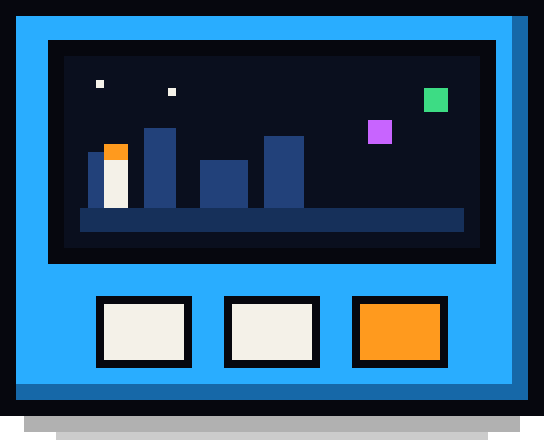
    The computer: a colour touch screen with ten lights
    THE COMPUTER

    Ready on day one

    Colour touch screen, speaker, ten lights, Wi-Fi, a battery base. Set up and tested by us before your child's first session.
    Session 1
    Game mode
    GAME MODE

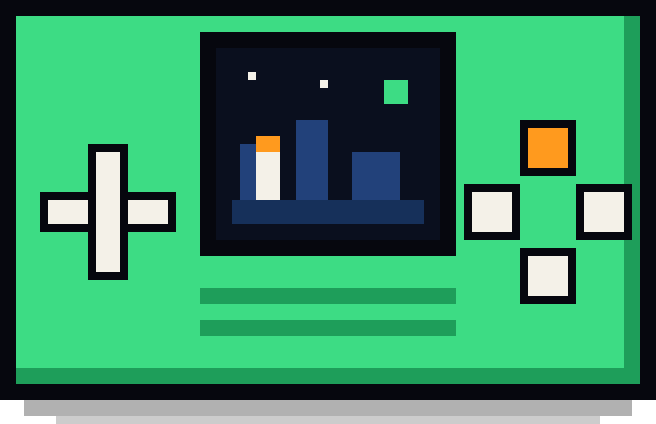
    A game console

    Two or three games of their own design, running on their own machine.

    Sessions 1–5 and 7
    Computer mode
    COMPUTER MODE

    A pocket computer

    Notes, typing, a quiz machine and an AI terminal that goes online.

    Session 6
    Maths mode
    MATH MODE

    A maths machine

    A calculator they can open up, and a profit calculator for a real product.

    Session 8

    What it solves for your family.

    SCREEN TIME

    Screen time that goes nowhere?

    No browser, no app store, no short videos one tap away. The only things on it are the games, the word machine and the calculator your child built, so the time goes into making.

    REAL CODING

    Coding classes that are really just games?

    Real Python on a real computer. Every session packs in a coding idea, the maths or science behind it and an AI skill, each building on the last: from algorithms and gravity to probability and secret codes.

    MATHS AND SPELLING

    Maths and spelling feel like homework?

    Your child builds the calculator, the graph machine and the talking spelling machine they practise on, and keeps using them after camp.

    Try the machine right now.

    This is the real starting software — the same Python that runs on the machine, running here in your browser. Switch faces with the buttons under it.

    Works in Chrome, Edge, Firefox and Safari. Use your arrow keys, Z and X — or tap the buttons.

    The nine sessions.

    This is a creation camp. Each session teaches one skill for building with an AI crew, takes apart one example game, and then your child designs and builds a game of their own. A bronze, silver and gold goal means a beginner and a confident coder both finish the day with something they are proud of. Open a session to see it.

    What makes this different.

    KEEP IT

    A real computer goes home

    Not a login to a website. The machine, all three faces and every program your child wrote are theirs — switch it on at school and the games are still there.

    JUDGE IT

    The AI types. Your child decides.

    A vague design card gets questions, not code. A fix needs a proper bug report. The numbers that make it work are tuned by hand. Using AI well is the skill; letting it think for you is not allowed.

    SEE IT

    Evidence you can open

    A portfolio page shows every program, every bug your child found, and how many lines they changed by hand — the part the AI did not do.

    SHOW IT

    Something to show, every week

    Families play the machines and every child gives a 90-second demo of all three modes.

    What your money really buys.

    A$50 / hour

    In person, at most 6 a class. A private tutor is A$55–85 an hour.

    120 days of AI

    The AI build crew in class and at home, free to use for the 120 days. No extra fees.

    Creative support

    Your child keeps creating on their own at home, and can bring their questions to us.

    0 risk

    Cancel any time: we refund the sessions not used.

    Hourly rates: Tutero (maths tutoring) and Manhattan Music Melbourne (one-on-one lessons), 2025. A$50 = (A$1,080 − A$180 machine) ÷ 18 hours.

    Questions? wcandy@candyandfrank.com · 0421 101 835 · WeChat candyandfrank

    Maker Club.

      The next nine sessions

      Questions parents ask.

      My child has never coded. Is that a problem?
      The first session starts with a game: your child plans a robot's moves and watches them run. Every session has a bronze goal a beginner reaches and a gold goal that stretches a confident coder. A child who joins later starts from session 1, whatever the rest of the class is on.
      Is it real code?
      Yes — real Python, running on a real computer. The file your child reads and changes is the file the machine runs. Nothing is hidden behind blocks.
      How is the AI kept safe?
      Children never chat with an AI freely. The build crew only reads design cards and bug reports. The pocket computer's answer box is limited to short, child-appropriate answers, a daily number of questions, and every question is logged for the teacher to read.
      What if we miss a session?
      Tell us at least a day before, by email, WeChat or phone, and the session is not used up: your child simply does it the next week. Every session also has a catch-up you can do at home.
      What happens after the camp?
      The machine is yours, and everything on it keeps working. Maker Club is included for 120 days from the day you book. If your child has finished the nine sessions by then, after that it is A$19 a month, charged automatically on the day you joined, and you can cancel any time from your family page. The next nine sessions use the same machine, so there is no machine to buy again.
      What if it turns out not to be right for us?
      You can cancel at any time, and we refund the sessions your child has not used, back to the card you paid with. Email wcandy@candyandfrank.com, or call or WeChat us. The machine stays with your child.
      Why a handheld, not a laptop?
      On a laptop the next video is always one click away. This machine has no browser and no app store: it runs only what your child made, so the time goes into designing, testing and fixing, not scrolling.

      Book a place.

      Paying books the place, one child at a time: to book a brother or sister, fill this in again with the same email and their tuition is 10% off. You pay on Stripe's secure page.